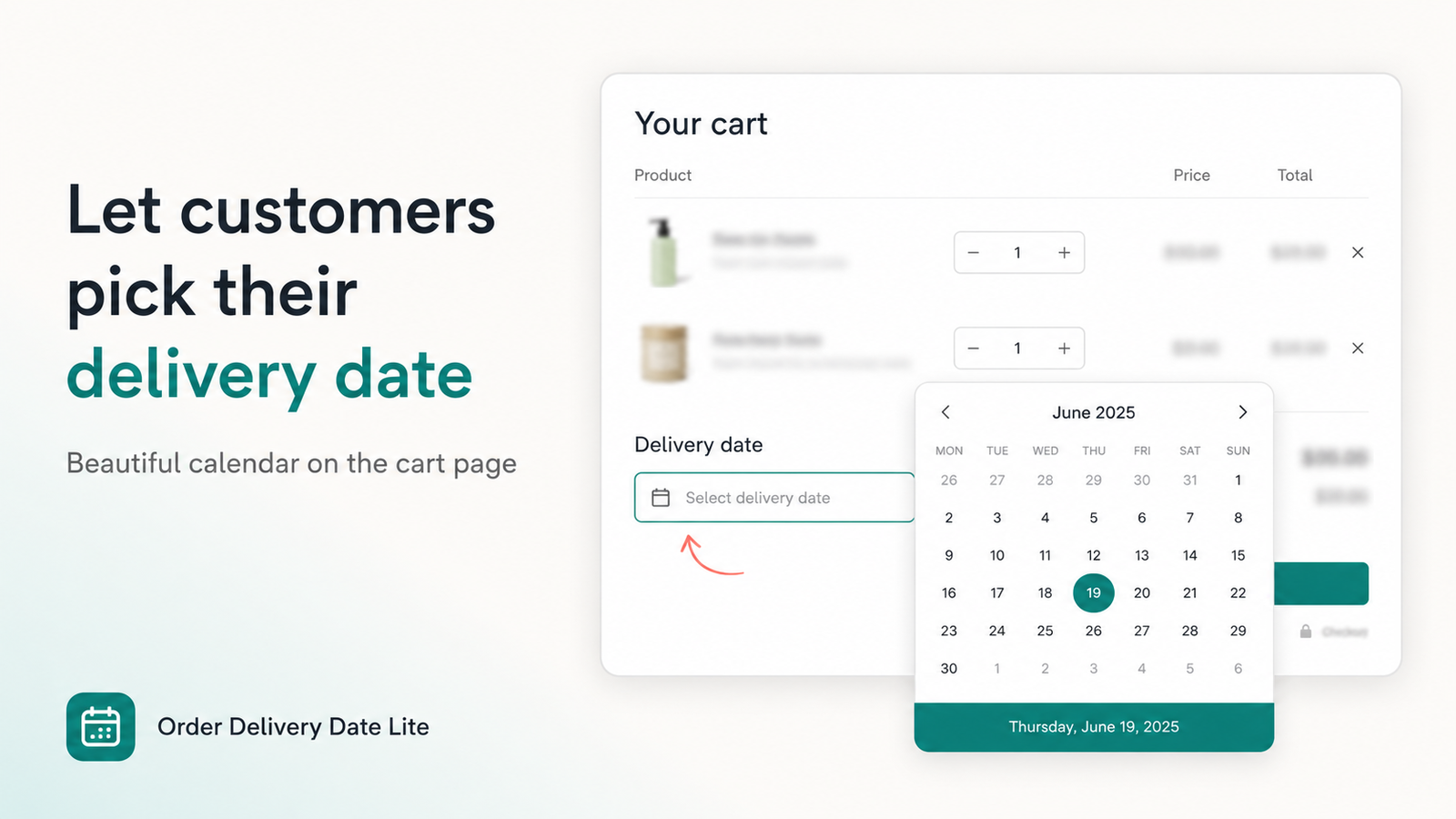
Order Delivery Date Lite still does the core job merchants love: a delivery calendar on the cart page so customers can choose a date and time before checkout. In 2026 we’ve expanded that into drawers, checkout (Plus), thank-you recovery, and separate schedules for shipping, local delivery, and store pickup.
This guide matches the current Shopify App Store listing and our product page.
What’s New
Still included on Basic: cart date picker, custom time slots, block dates / closed days, cutoff times, thank-you & email support, and order history with date and time.
Who Each Plan Is For
- Free: Development and partner stores only — full features for testing.
- Basic ($4.99/month): Live stores that need a solid cart calendar, slots, cutoffs, drawers, and validation.
- Pro ($9.99/month): Plus checkout calendar, local/pickup methods, advanced schedules, stats dashboard, and thank-you missing-date recovery.
Both paid plans include a 7-day free trial.
Quick Setup (All Merchants)
- Install Order Delivery Date Lite from the App Store.
- Open the app → Settings → Cart → set status to Active.
- In the theme editor, enable the app embed or add the cart calendar block.
- Configure blocked days, holidays, time slots, and cutoff if you need them.
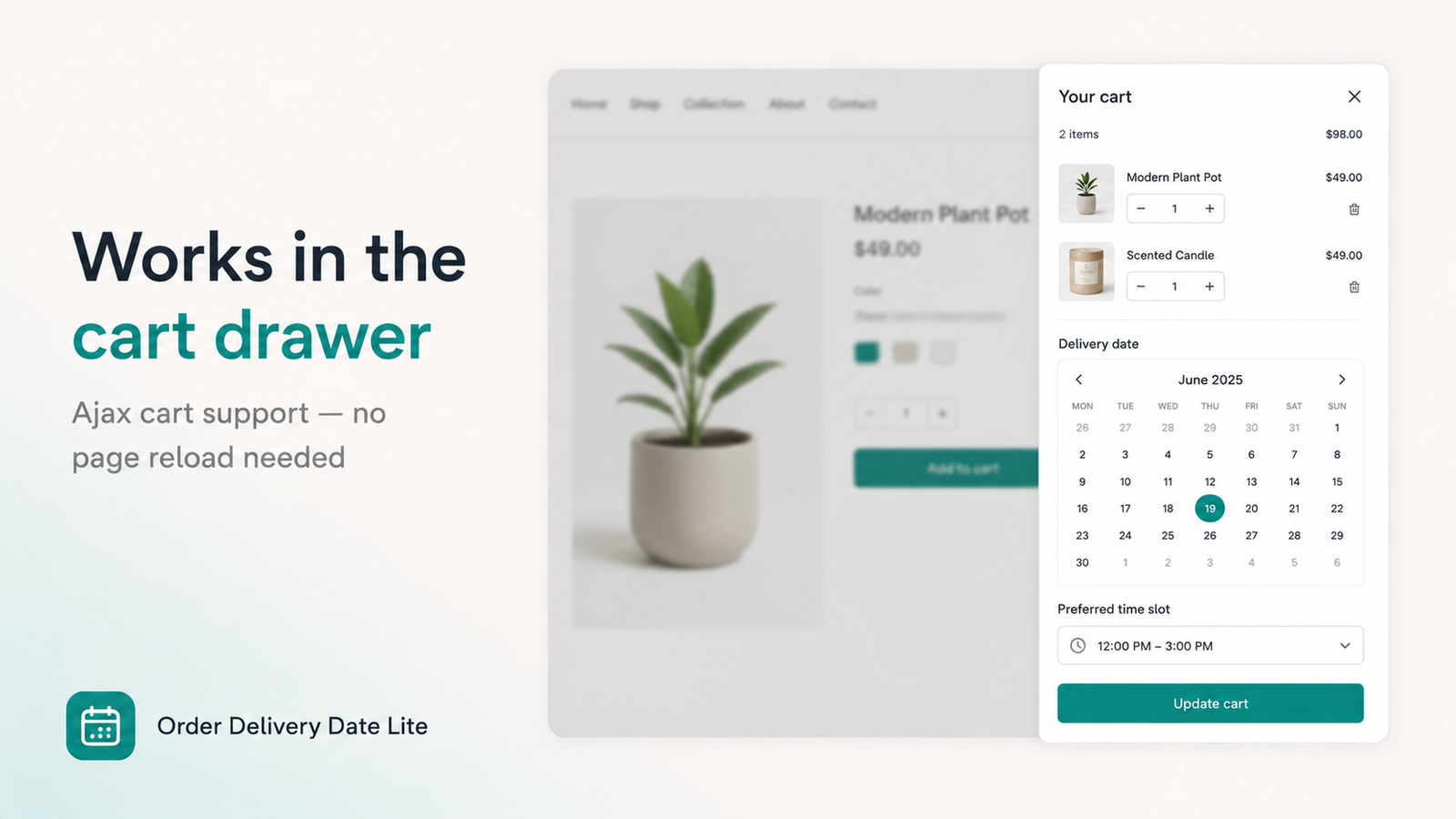
- Optional: turn on cart drawer support if you use an ajax cart.
Pro: Local Delivery & Store Pickup
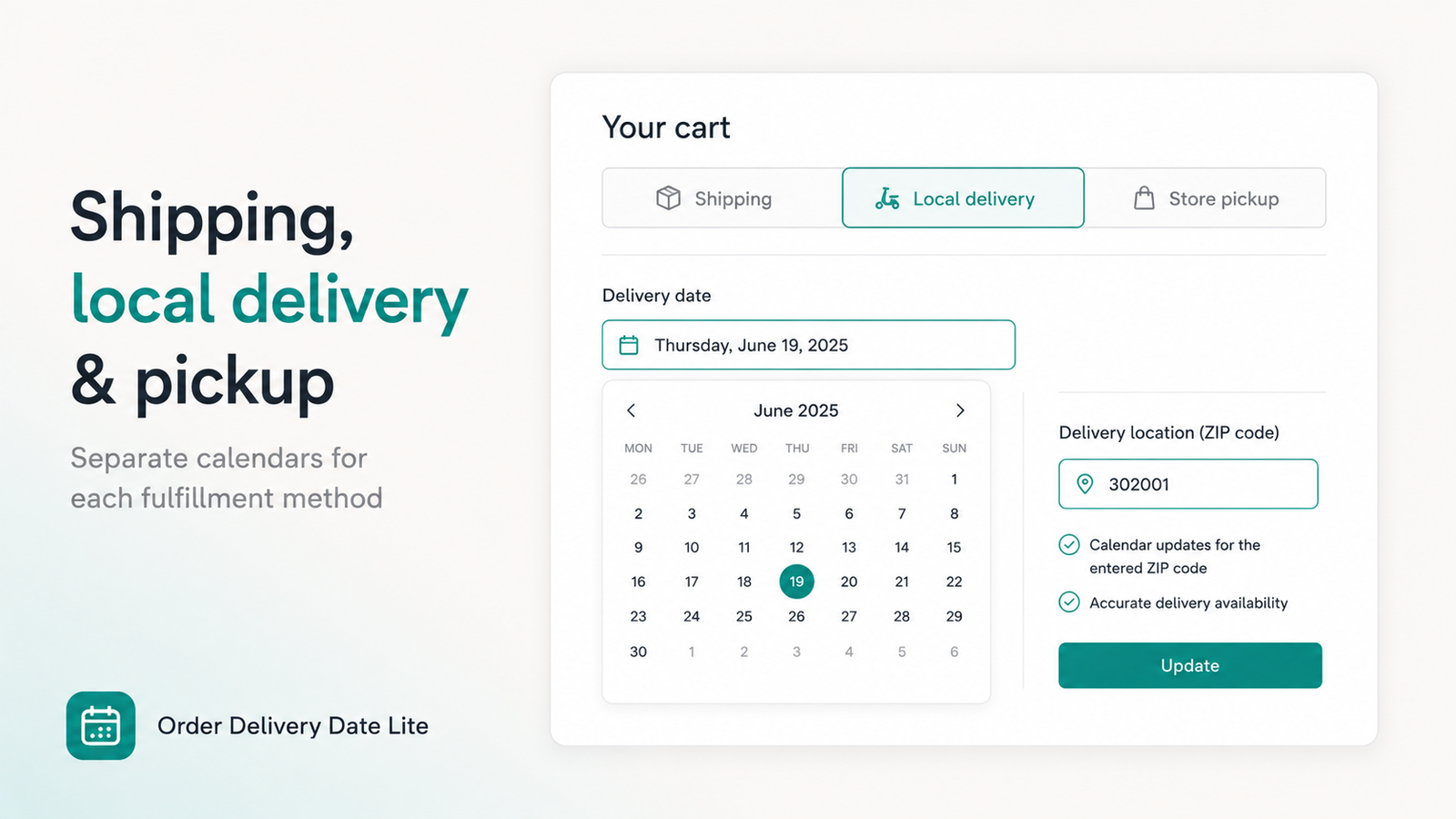
On Pro you can enable a method picker so customers choose Shipping, Local delivery, or Store pickup. Each method can have its own calendar rules, time slots, and blocked dates. Local delivery can require a postal code; pickup can require a location synced from Shopify.
Important: Thank You Uses UI Extensions
Shopify deprecated Checkout Additional Scripts and OrderStatus.addContentBox. To show the delivery date on thank-you (or recover a missing date), use this app’s Thank You UI extensions in the Checkout editor — not old script snippets.
Frequently Asked Questions
Is the cart picker still available without Plus?
Yes. Cart page and drawer calendars work on all plans that include those features. Checkout calendar is Pro + Plus (or development store).
Why don’t I see the calendar after install?
The app installs inactive. Set Settings → Cart to Active and enable the theme app embed / cart block.
Can customers change the date after ordering?
Missing-date recovery on thank-you (when enabled) lets them add a date if none was chosen. It is not a free reschedule tool for dates already set.
Try the 2026 update
Cart calendar, drawers, validation — and Pro tools when you need checkout and multi-method fulfillment.
Install on Shopify →