Order Delivery Date Lite Shopify app icon

Order Delivery Date Lite

Let your Shopify customers choose their preferred delivery date and time-slot right on the cart page — before they checkout. Perfect for local delivery, food, and gift stores.

Install Free on Shopify

Key Features

Delivery Date Picker

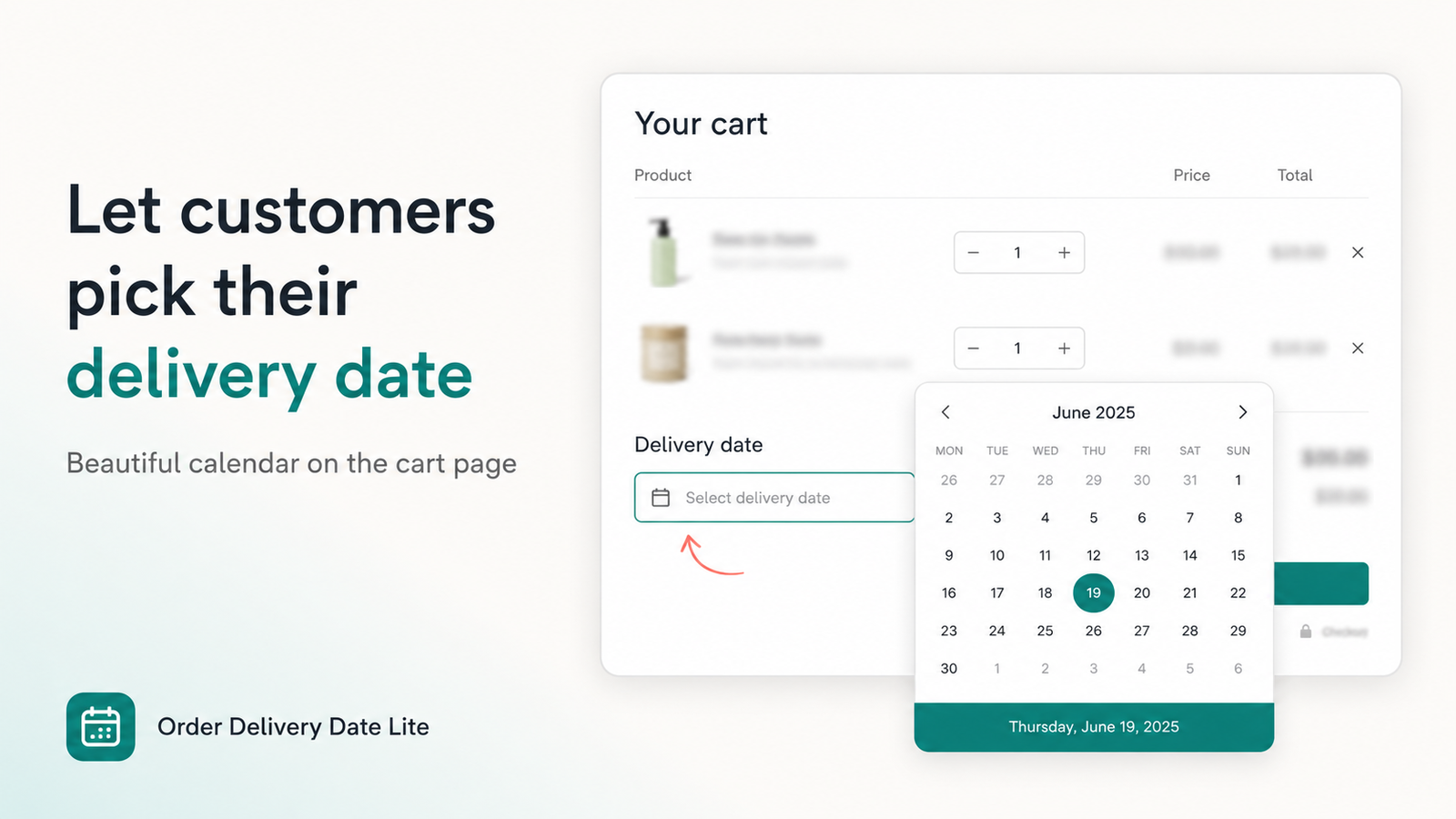
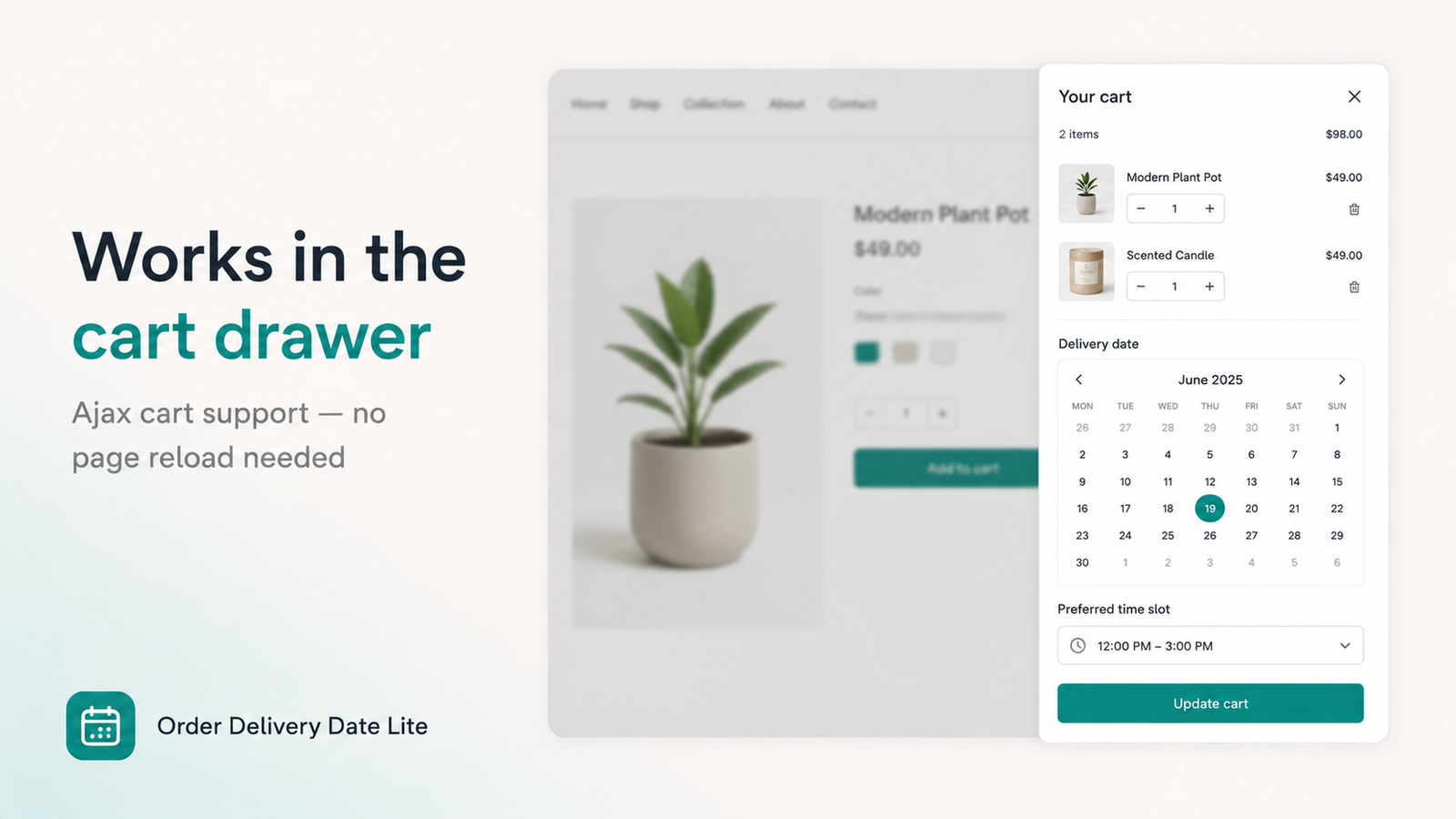
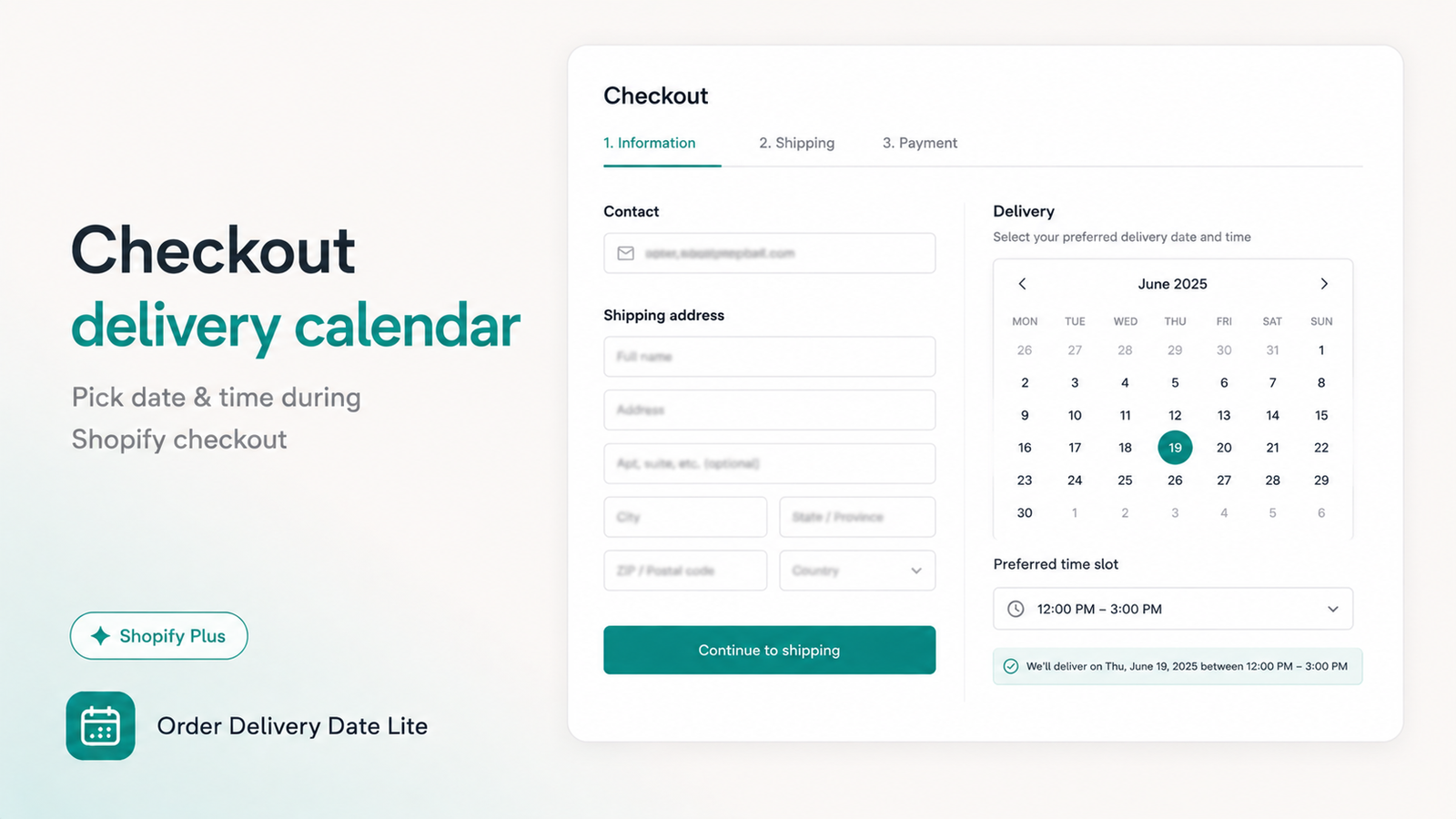
A clean calendar widget on the cart page lets customers pick their preferred delivery date before checkout.

Time-Slot Selection

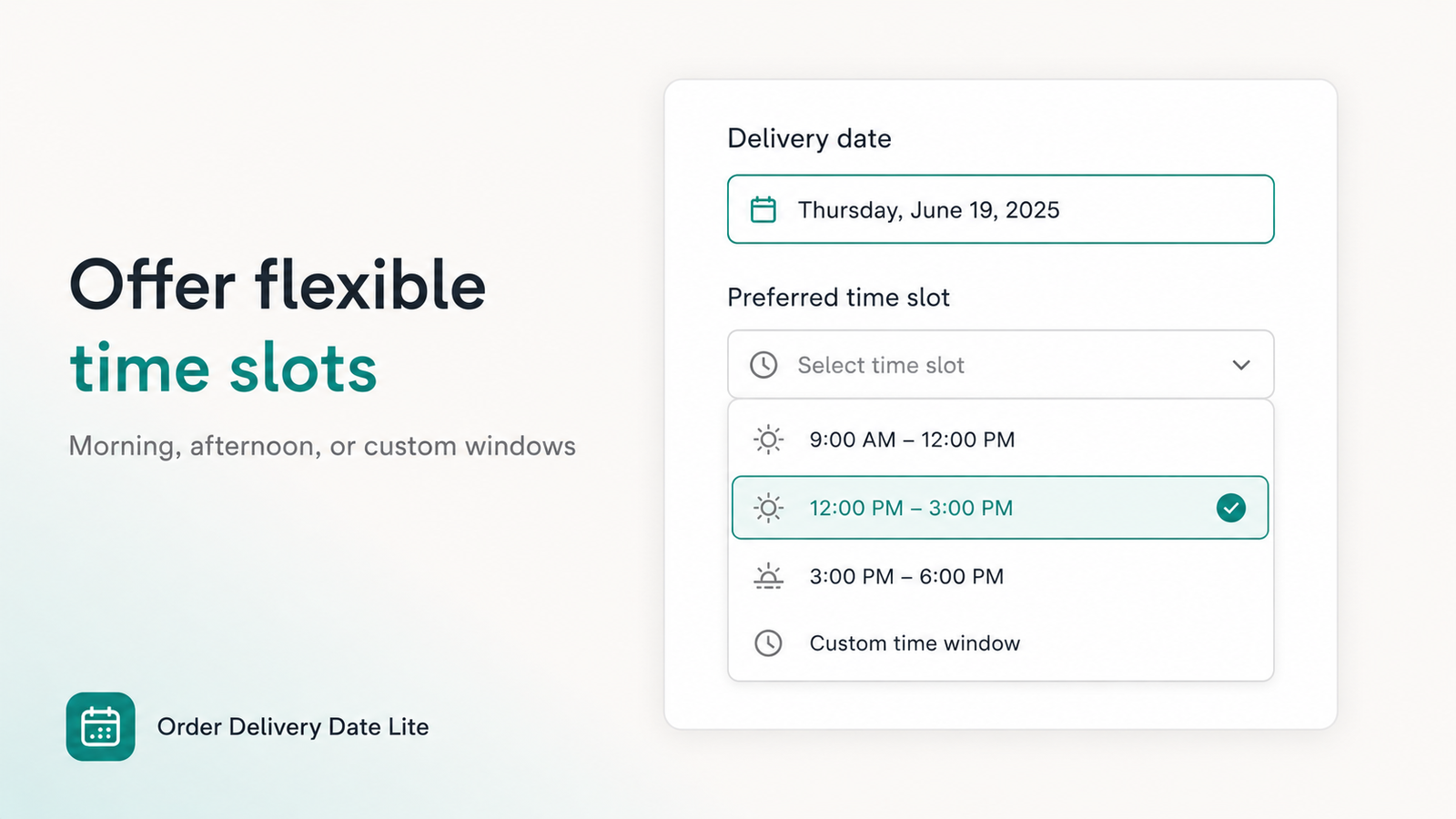
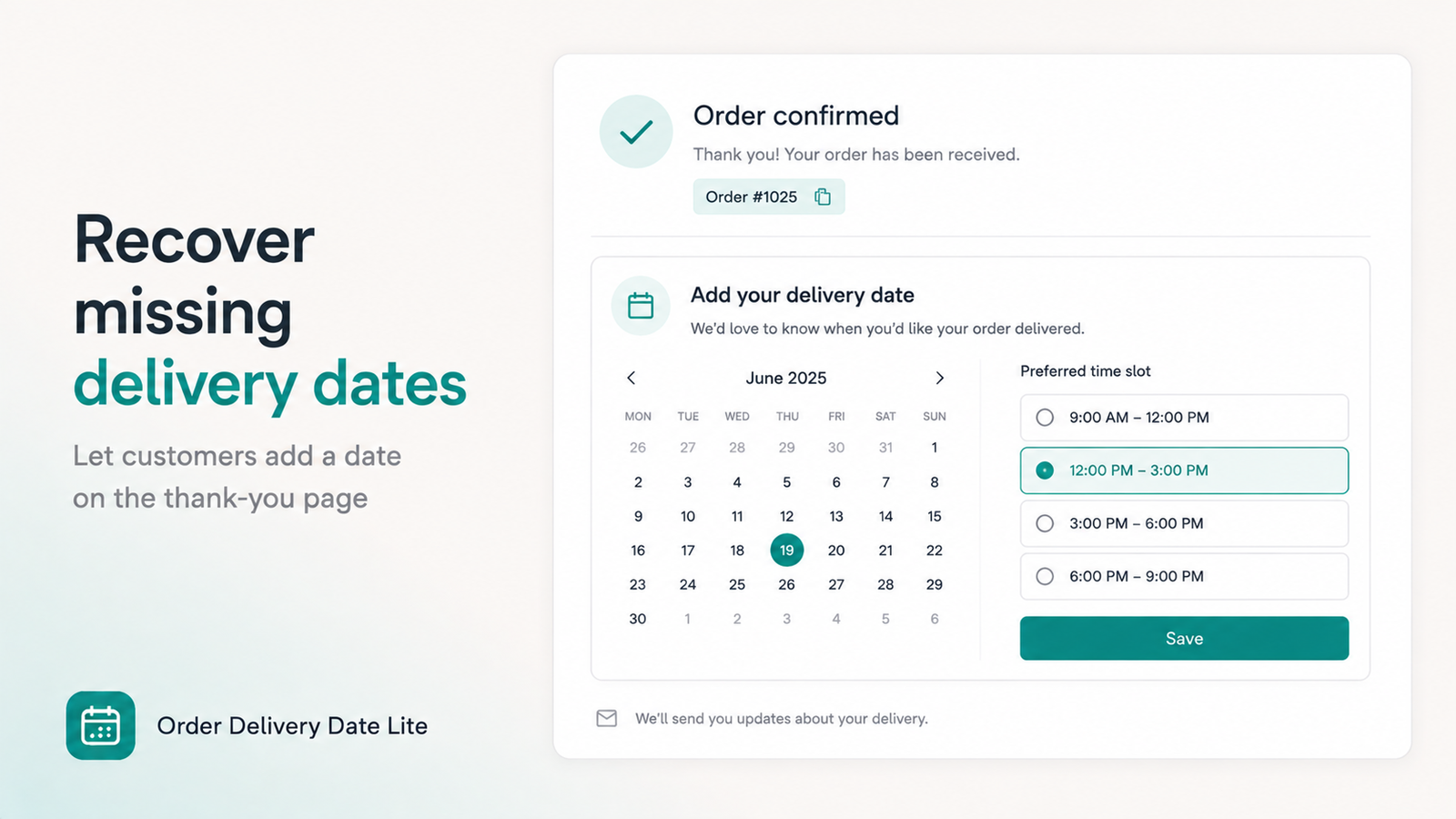
Offer morning, afternoon, and evening delivery slots so customers can choose when works best for them.

Block Dates

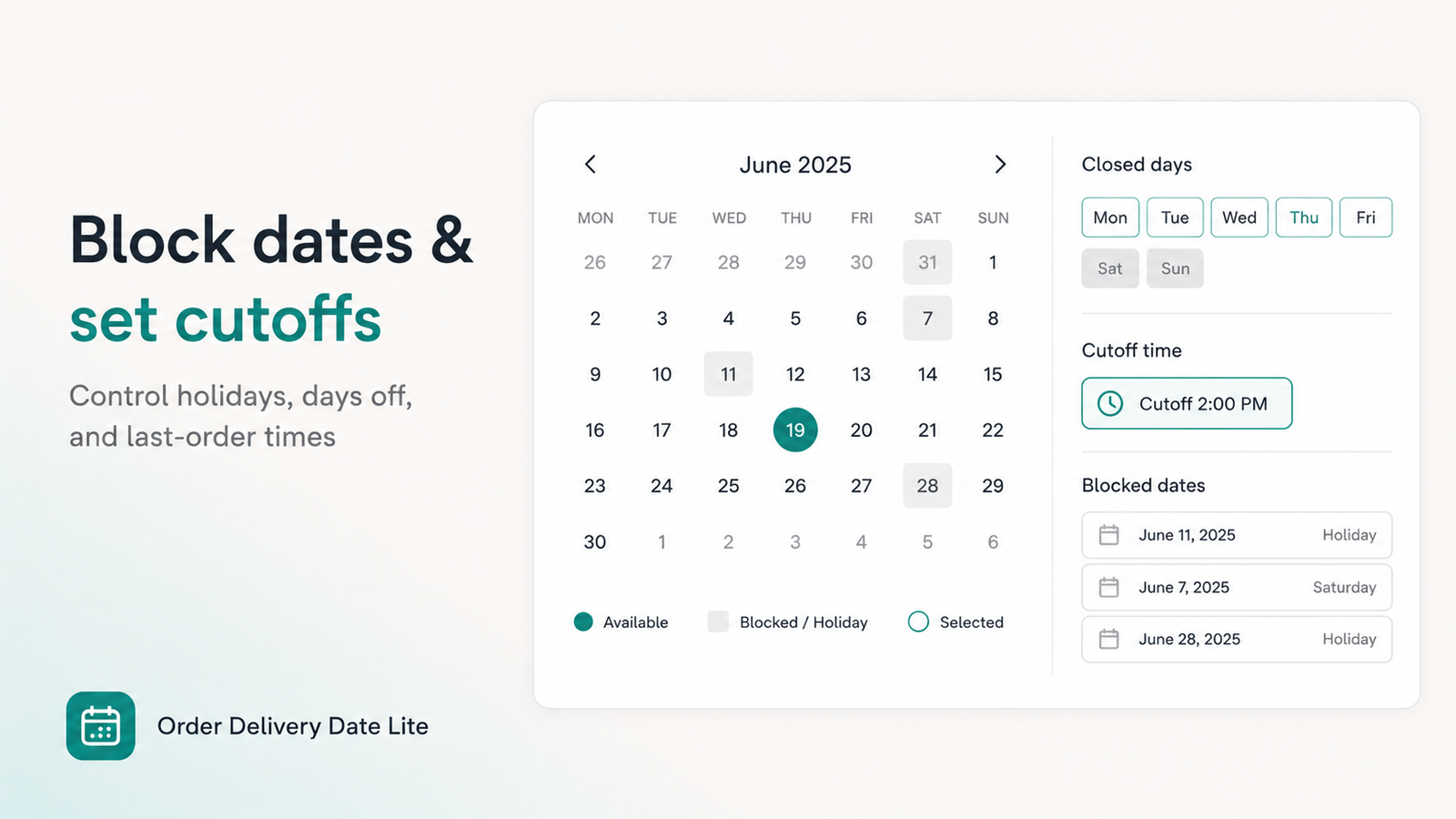
Easily block holidays, weekends, or any days your store doesn't deliver. Blocked dates are greyed out automatically.

Minimum Lead Time

Set a minimum number of days before delivery so customers can't book same-day when you need preparation time.

Saved With Order

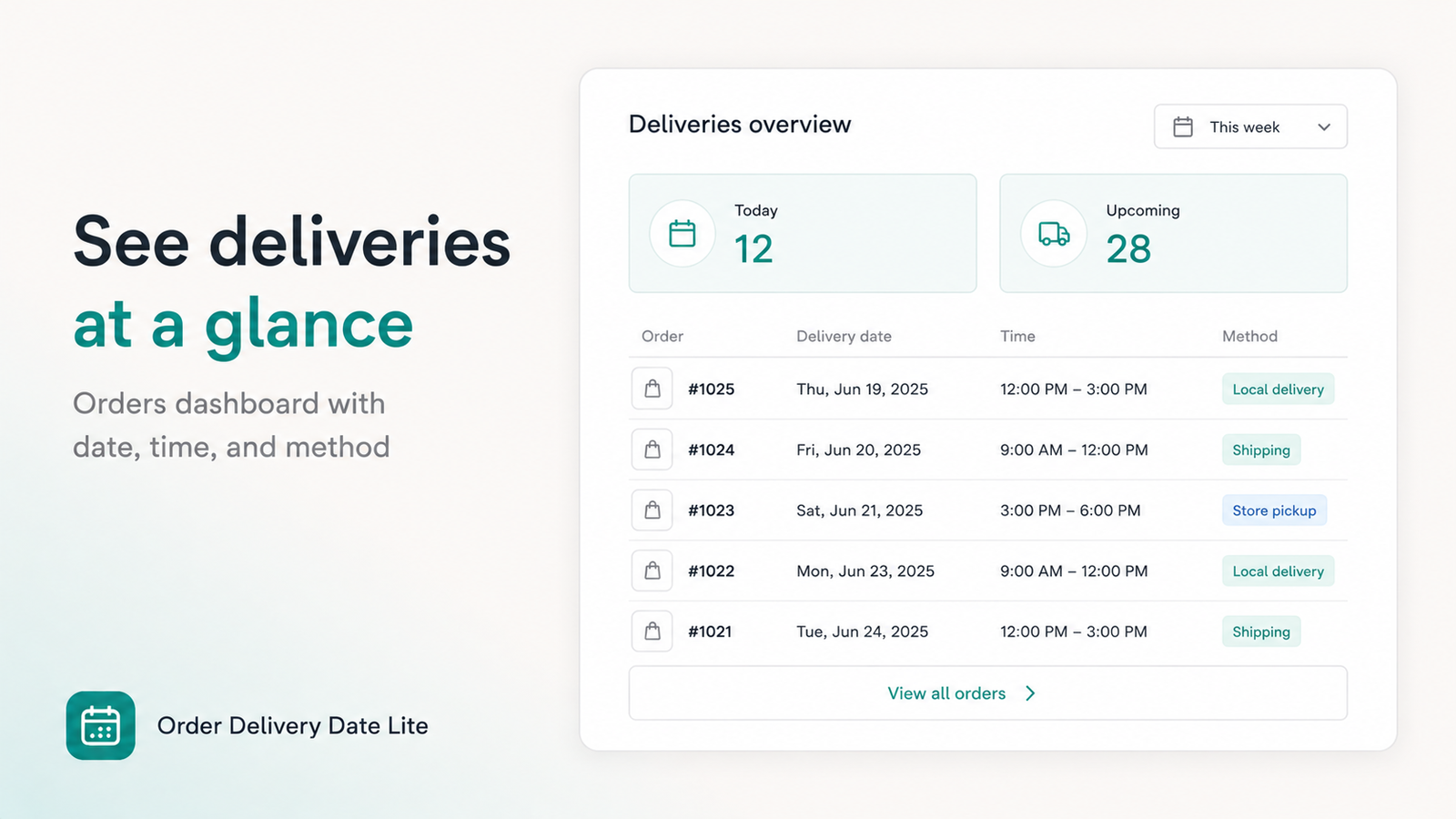
The chosen delivery date and time-slot are saved directly with the order, visible in your Shopify admin.

Easy to Set Up

Simple configuration — enable the app, set your delivery days, and the date picker appears on your cart automatically.

Perfect For These Stores

🌸 Florists 🎂 Bakeries 🥗 Food & Grocery 🎁 Gift Shops 🏡 Home Delivery 💊 Pharmacy 🐾 Pet Supplies 🍕 Restaurant

How It Works

1
Customer Adds to Cart

Customer shops normally and adds products to their cart on your Shopify store.

2
Picks Delivery Date

On the cart page, the customer selects their preferred delivery date and time-slot from the calendar.

3
Order Placed

The date is saved with the order. You see it in your Shopify admin and can plan delivery accordingly.

Frequently Asked Questions

The app adds a date picker widget to your Shopify cart page. Customers select their preferred delivery date and optionally a time-slot before checking out. The selected date is saved with their order and visible in your Shopify admin.
Yes. You can block specific dates such as holidays, weekends, or any days your store does not deliver. Blocked dates will be greyed out in the calendar and customers cannot select them.
Yes. You can configure time-slots such as Morning (9am–12pm), Afternoon (12pm–5pm), and Evening (5pm–9pm) for customers to choose from when placing their order.
Order Delivery Date Lite offers a free plan with core features. Visit the Shopify App Store listing for the most current pricing information.
Yes. You can set a minimum lead time so customers cannot select same-day or next-day delivery when you need preparation or processing time before dispatch.
Yes. Order Delivery Date Lite is designed to work with all Shopify themes. It integrates into the cart page without requiring manual theme code edits.

Give Customers the Delivery Date They Want

Reduce delivery complaints and increase customer satisfaction with date scheduling.

Get Order Delivery Date Lite Free

Also by SBTDreams

© All Rights Reserved By SBTDreams