Shoppers can now choose a delivery date on the product page, next to Add to cart, instead of waiting until the cart. Order Delivery Date Lite keeps this calendar separate from the cart page picker, so you can turn it on only for the products that need a date.
The date they pick is saved on that product in the order. A cake for Saturday and flowers for Friday can sit in the same cart without sharing one date.
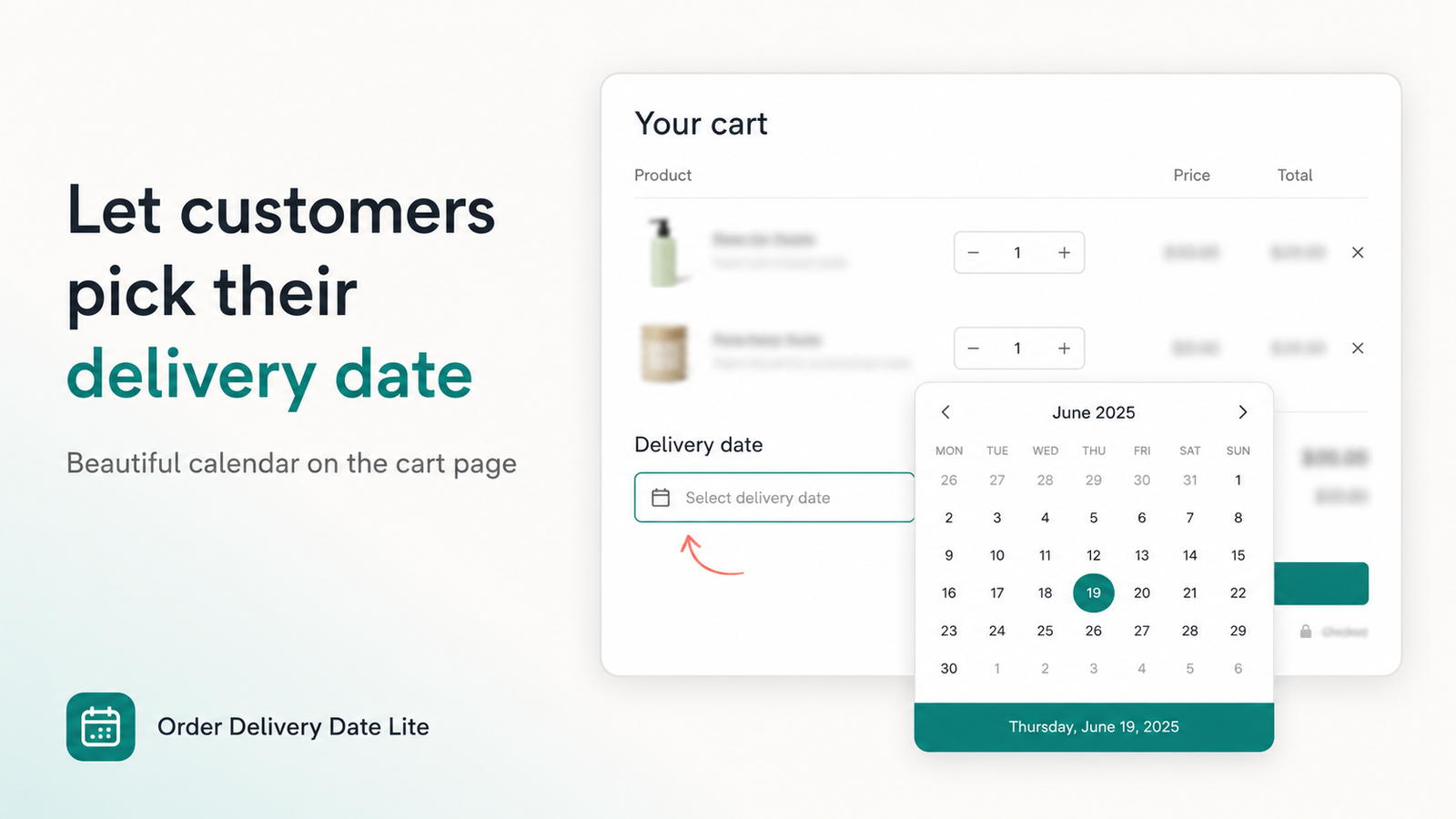
What the product page calendar does
The cart calendar does not change. Cart page and ajax cart drawer pickers keep working. Leave the product calendar off if you only want dates chosen in the cart.
Turn it on
- Install Order Delivery Date Lite and open the app.
- Open Product calendar and turn the product page date picker on.
- Under Which products, choose all products, a collection, specific products or variants, or product tags.
- Set the heading, weekdays, lead time, cutoff, and whether a date or time slot is required before add to cart.
- In the theme editor, add the product page block so the calendar can render beside Add to cart. Save the theme.
The product page date picker is included with the cart picker on current plans. Development stores can try it on the Free plan. Paid plans start with a 7-day trial. See the product page for Free, Basic, and Pro.
When to use it
- Made-to-order items such as cakes, flowers, or engraved gifts, where the date belongs to that product.
- Mixed catalogs where only some products need a date. Target a collection or tag and leave the rest alone.
- Preorder or lead time that is longer than your normal cart delivery window.
If every order uses one delivery date for the whole cart, keep using the cart date picker and leave the product calendar off.
Also new around this release
Checkout time slots. On Shopify Plus, the checkout calendar can show time slots on the checkout page, not only the date. Configure them on the Checkout calendar page in the app.
Delivery Details. The thank-you and order status block is now named Delivery Details in the checkout editor, so it is easier to find when you want customers to see the date they chose.
Frequently asked questions
Does this replace the cart date picker?
No. They are separate. You can run both, or only the one you need.
Where do I see the date on the order?
The product page choice is saved on that line item. Cart and checkout choices still use the order delivery date attribute.
Can I limit it to a few products?
Yes. Pick specific products, variants, collections, or tags. All products and all variants cover the whole catalog.
Put the calendar on the product page
Turn it on from Product calendar, choose which products show it, and add the theme block.
Install on Shopify →